
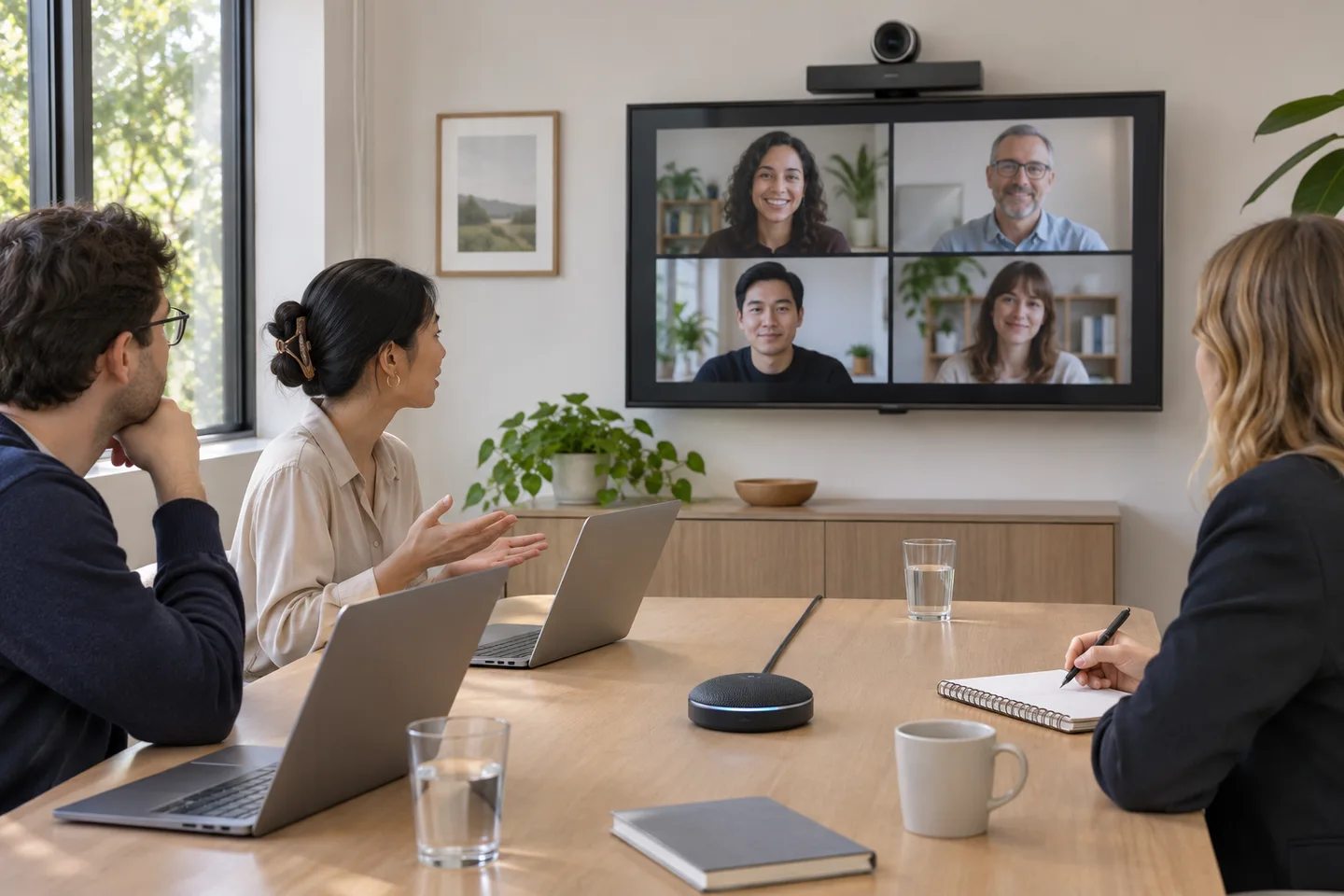
Start the test from the remote seat
Ask a colleague to join from a separate room using headphones. Have someone speak at each seat using a normal voice and mark any position that is hard to understand. Include a short exchange between room and remote participants so the test catches people talking over one another or waiting for muted microphones.
Choose one room audio path
Decide which room device supplies the microphone and speakers. Participants joining the same call from laptops in the room can use their devices for documents or chat with their meeting audio disconnected, based on the platform’s controls. Ask the remote tester to report echo before adjusting levels. Recheck room sound after reconnecting a cable or waking a sleeping computer.
Check the view and the shared content
Ask the remote tester whether they can identify who is talking at both ends of the table and whether a window makes faces difficult to see. Share a document that resembles normal meeting work and ask the tester to read one line. Put any diagram or notes shown in the room into the shared document so remote attendees can revisit them.
Rehearse a connection problem
Schedule a ten-minute rehearsal before the first meeting in a new room. Have the facilitator join from the room, hand sharing to a guest and reconnect after an intentional disconnect. Agree who can continue the meeting if the room system drops. Keep the fallback in the invitation or room instructions so attendees can find it when they need it.
Record what worked
Use a tracker with room name, test date, check, result and owner. Keep one card near the display with the starting steps, supported input and help route. Repeat the remote listening check after changing furniture, moving microphones or replacing equipment. A known-good baseline gives the next person a starting place for troubleshooting.